Case Study
Automating Student Exit Surveys — Google Sheets + Forms + Drive
I developed a reusable system that streamlines exit surveys at UID, reducing administrative burden for faculty and aligning with accreditation goals.
In use (2025)
I designed a reusable system that integrates Google Forms, Google Sheets, and Google Drive, enhanced by Google Apps Script. This solution automates the creation of forms, their circulation to students, and the collection and aggregation of responses into central sheets. By packaging these components as copyable templates, I enabled faculty to adopt this system without requiring custom engineering for each course.
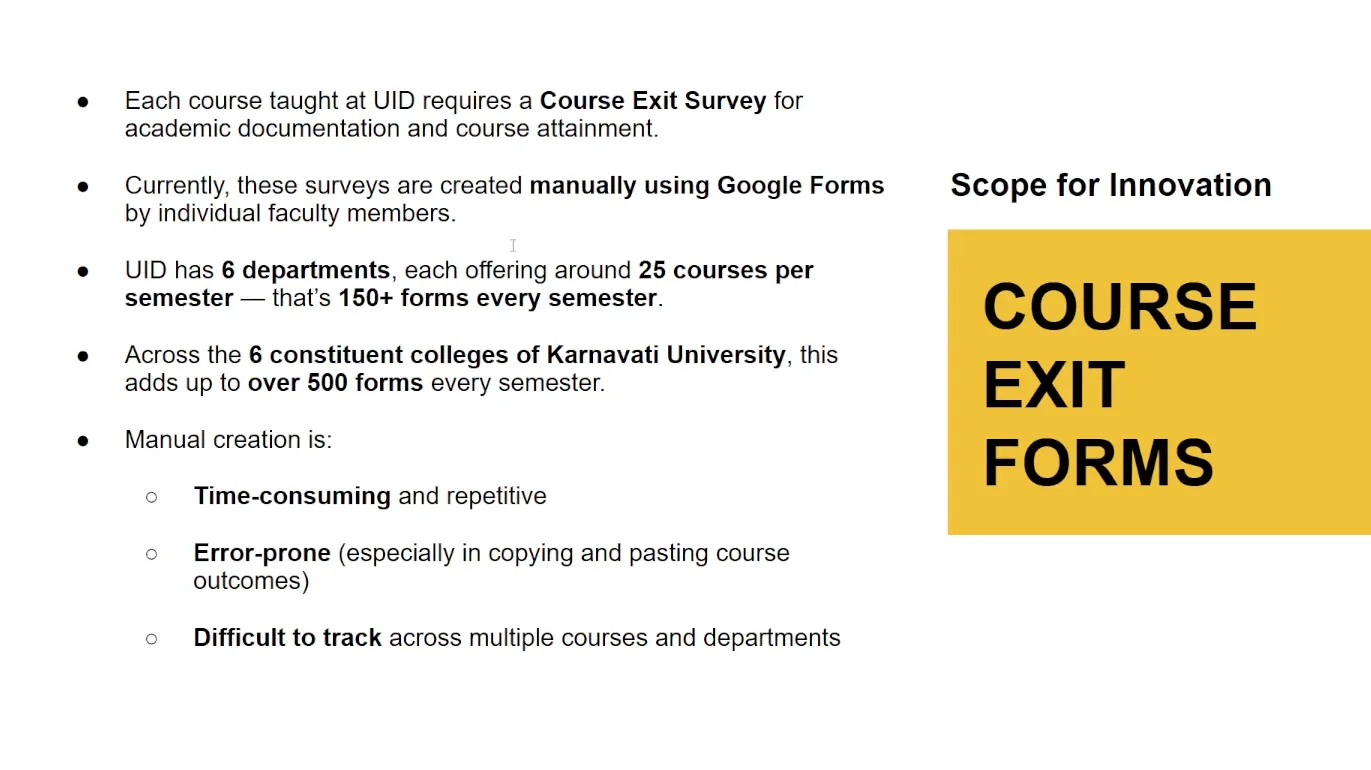
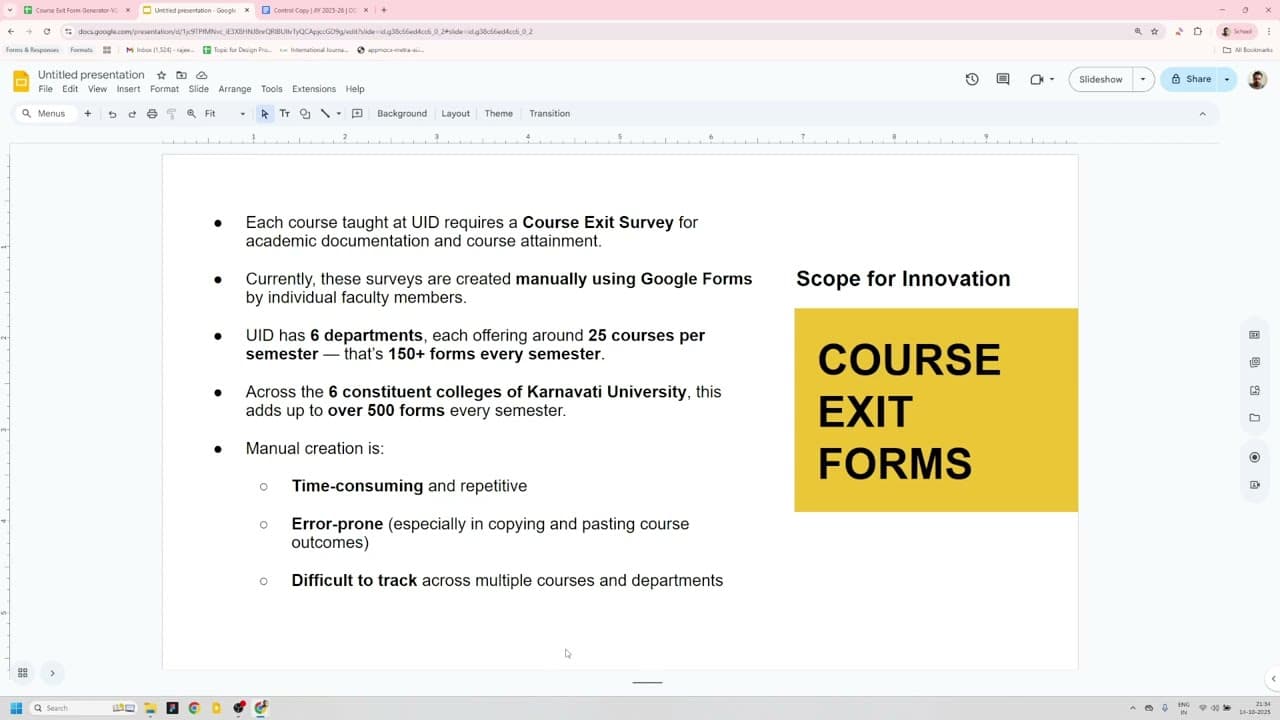
This initiative was developed for faculty at UID to streamline exit surveys, thereby supporting Outcome-Based Education (OBE) reporting. As part of a broader initiative geared toward accreditation preparation in 2025, it replaced an inefficient manual process that varied across departments and increased the administrative burden.
Previously, faculty had to go through repeated manual steps for each course: creating a Form, placing it in Drive, sharing links, collecting responses, and consolidating data for reporting. The inconsistency in practices across departments not only heightened faculty workloads but also complicated OBE-aligned reporting. We needed a solution that fitted within Google Workspace and could be maintained by academic staff with minimal engineering support.
My approach involved creating a Google Sheet that acted as a control panel, allowing for the programmatic generation of Forms using Google Apps Script. Each Form and its corresponding response sheet were organized into a predefined folder structure in Drive. Apps Script routines would pre-fill forms when necessary, generate shareable links, notify faculty, and aggregate responses into a central workbook for analysis. I packaged this solution as template bundles (including Form, Sheet, and scripts) to facilitate quick adoption by teams, complemented by screencast walkthroughs. This low-code design ensured that faculty could maintain the system without introducing a new platform.
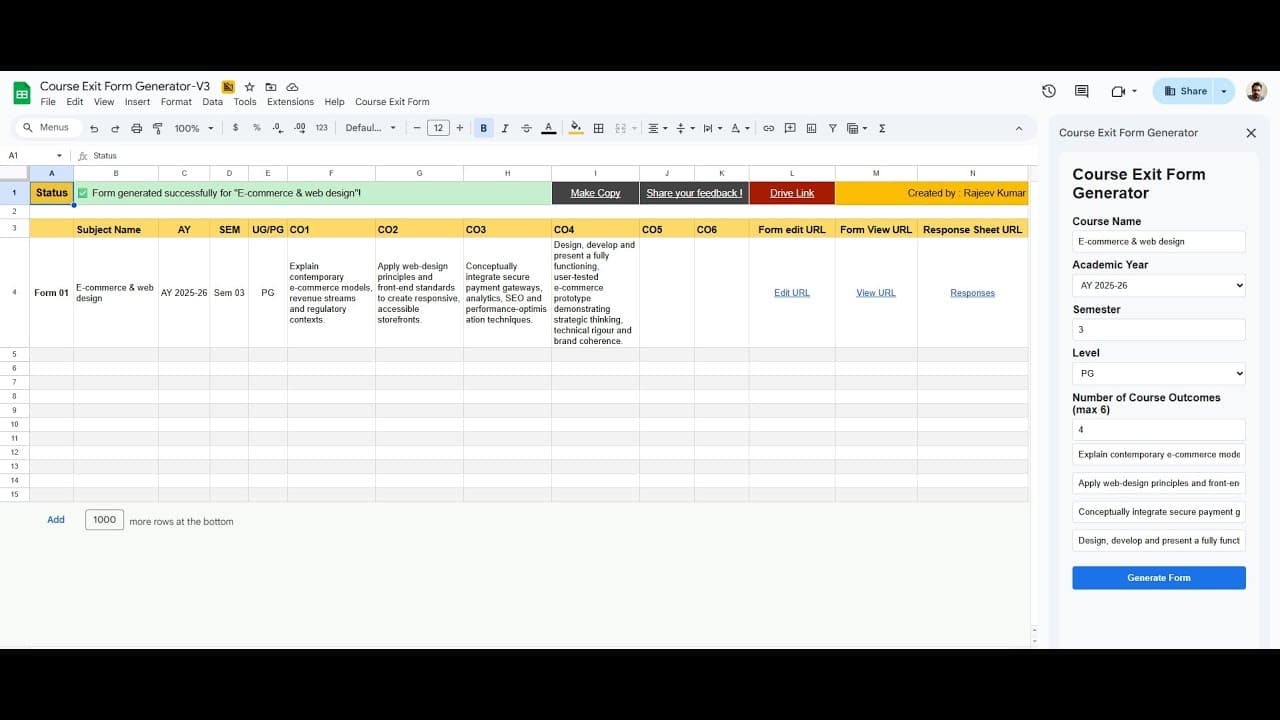
I delivered a set of copyable templates along with the Google Apps Script that significantly reduced the manual steps previously required for running exit surveys. I documented the workflow thoroughly and created screencast walkthroughs to minimize the need for live training, structuring the output to align with OBE reporting requirements and ensuring a consistent data shape for downstream analysis.
The adoption of these templates and scripts has resulted in a marked reduction in repeated manual work, fostering more consistent data collection practices across courses and departments. Exact metrics are pending, but the templates and scripts have already been reused across multiple courses during the accreditation cycle, contributing to the availability of consistent data for OBE reporting required for accreditation.
This experience underscored how low-code, well-documented automations can significantly lessen routine administrative tasks while adhering to institutional IT constraints. By providing clear documentation and screencasts, I succeeded in reducing barriers to faculty adoption, eliminating reliance on one-off engineering support. Moving forward, I plan to collect and publish metrics on adoption, document the contributions of named collaborators, and outline data privacy and consent handling before broader external sharing.